
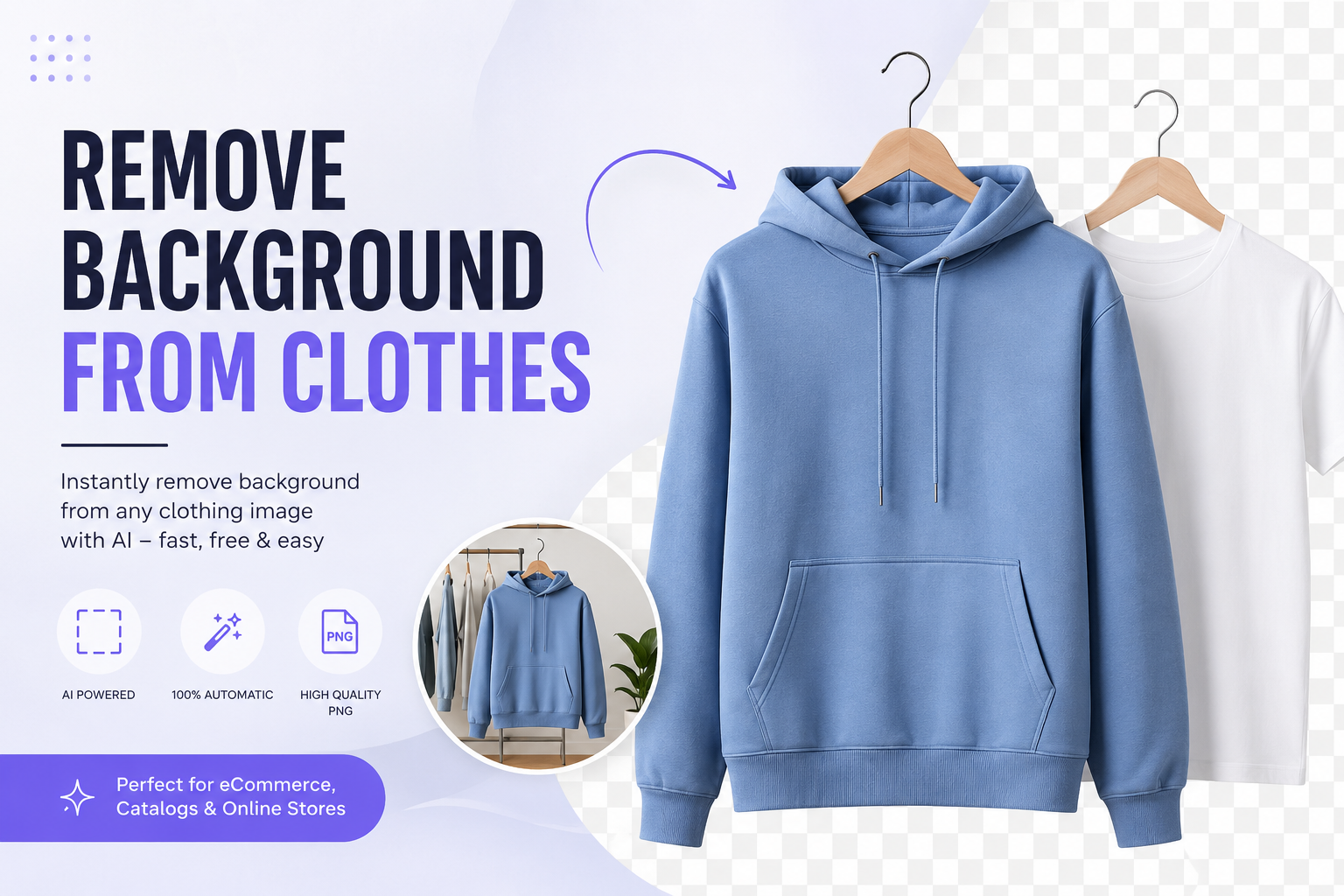
Remove Background from Clothes: The Complete AI Guide for Clean, Transparent Product Photos
Messy backgrounds ruin great clothing photos. A wrinkled bedsheet, a cluttered room, or a mismatched wall behind your product makes even the best garment look unprofessional. Customers judge a listing in seconds, and a distracting background is often the reason they scroll past instead of clicking "buy."
The good news is that you don't need Photoshop skills, a studio, or hours of manual editing to fix this. With AI, you can remove background from clothes in seconds and get a clean, transparent PNG that's ready for Shopify, Amazon, Etsy, or Instagram.
In this guide, you'll learn exactly what background removal means for clothing images, why it matters so much for fashion and eCommerce sellers, and how to do it step-by-step using Free Background Remover AI — a free AI tool built for exactly this job.
What Does It Mean to Remove Background from Clothes?
Removing the background from a clothing photo means separating the garment from everything behind it — the wall, mannequin, hanger, or floor — and replacing that area with a transparent or solid background.
The result is a clean transparent clothing PNG that shows only the product itself. This image can then be placed on any background: pure white for Amazon, a lifestyle scene for Instagram, or a branded color for your Shopify store.
AI background removal tools use computer vision to detect the exact edges of a garment, including tricky details like:
Fabric folds and creases
Sleeve gaps and collar shapes
Buttons, zippers, and lace trim
Sheer or semi-transparent fabric
This is different from simply cropping a photo. Cropping only trims the image edges. Background removal isolates the actual object, pixel by pixel, so the clothing item can be reused anywhere.
Why Clothing Images Need Transparent or Clean Backgrounds
Clean backgrounds aren't just a style choice. They directly affect how customers perceive quality and trust.
A clothing photo with a transparent or white background:
Looks professional and consistent across your catalog
Meets marketplace image requirements (Amazon requires pure white backgrounds for main listing images)
Loads faster and displays better on mobile
Can be reused across multiple platforms without reshooting
Makes color and detail pop without visual noise
A cluttered background does the opposite. It distracts from the product, makes your store look inconsistent, and can even get your listing rejected on marketplaces with strict image guidelines.
Common Challenges with Clothing Photography
Clothing is one of the hardest product categories to photograph and edit. Common problems include:
Fine details — lace, fringe, and sheer fabric are difficult to cut out manually
Mannequin removal — ghost mannequin photography needs precise background and mannequin removal
Color accuracy — poor editing can shift fabric colors
Shadows and folds — manual tools often leave rough or jagged edges around folds
Time constraints — sellers with large catalogs can't spend 10+ minutes per image in Photoshop
These challenges are exactly why AI-based background removal has become the standard for fashion eCommerce, replacing slow manual masking with fast, automated precision.
Why AI Is Better Than Manual Editing
Manual background removal using the Pen Tool or Magic Wand in Photoshop can take anywhere from 5 to 20 minutes per image, depending on complexity. AI does the same job in seconds.
AI background removal is better because it:
Detects clothing edges automatically, including folds and fine fabric detail
Requires no design skills or software downloads
Processes images instantly, even in bulk
Produces consistent results across an entire catalog
Works directly in your browser on desktop or mobile
For solo sellers, small boutiques, and large fashion brands alike, AI removes the biggest barrier to professional product photos: time.
How to Remove Background from Clothes (Step-by-Step)
Here's exactly how to do it using Free Background Remover AI.
Step 1: Upload Image
Go to Free Background Remover AI and upload your clothing photo. JPG, PNG, and most common formats are supported.
Step 2: AI Detects Clothing
The AI automatically scans the image and identifies the exact edges of the garment, separating it from the mannequin, hanger, or background.
Step 3: Remove Background
With one click, the background is removed and replaced with a transparent layer. No manual selection or masking required.
Step 4: Preview
Review the result instantly. Zoom in on sleeves, collars, and hems to check that fine details were captured cleanly.
Step 5: Download HD PNG
Download your image as a high-resolution transparent PNG, ready to upload to your store, marketplace, or social media.
The entire process takes under a minute — far faster than any manual editing workflow.
Best Ways to Use Transparent Clothing Images
Once you have a transparent clothing PNG, you can use it almost anywhere:
Shopify — clean product pages with consistent white or branded backgrounds
Amazon — meets the pure white background requirement for main images
Etsy — professional listing photos that stand out in search
eBay — clean, trustworthy product images that boost buyer confidence
Instagram — layer clothing onto branded templates or flat lay designs
Facebook Shops — consistent catalog images across your shop
TikTok Shop — eye-catching product cutouts for short-form video content
Fashion Catalogs — print-ready images with no background distractions
Lookbooks — mix and match garments on custom backgrounds
Marketing Materials — banners, ads, and email campaigns
Advertisements — clean product shots for Google and social ads
A single transparent PNG can be repurposed across every one of these channels without reshooting.
Why Choose Free Background Remover AI
There are many background removal tools online, but Free Background Remover AI is built specifically to make this process fast, free, and beginner-friendly.
Fast processing — results in seconds, not minutes
Automatic detection — no manual selection needed, even for complex garments
No Photoshop required — works entirely in your browser
One-click editing — upload, remove, download
High quality output — clean edges around folds, buttons, and fine fabric
Completely free — no subscription or hidden costs
Works on desktop and mobile — edit product photos from anywhere
No experience required — built for sellers, not designers
Once your clothing background is removed, you can enhance the result even further using other free tools from Free Background Remover AI:
AI Image Upscaler — increase resolution for print or zoomed-in product views
AI Image Enhancer — sharpen details and improve overall image quality
AI Background Generator — add a custom scene or branded backdrop
Blur Background Tool — create a soft, professional depth effect
Watermark Remover — clean up old photos before reuse
Using these tools together lets you go from a raw clothing photo to a fully polished, marketplace-ready product image in just a few minutes.
Tips for Better Clothing Photography Before Uploading
AI works best when it has a clear image to start with. Follow these tips for the best results:
Use even, natural lighting to avoid harsh shadows on fabric
Photograph against a plain background whenever possible, even a bedsheet works
Keep the garment flat or well-fitted on a mannequin to avoid awkward folds
Avoid blurry or low-resolution photos — sharper input means cleaner output
Shoot straight-on rather than at an angle to keep proportions accurate
Remove loose threads or tags before shooting for a cleaner final image
Better source photos always lead to better AI results, even though the tool can handle imperfect images too.
Common Mistakes to Avoid
Using low-resolution images — this leads to pixelated final results
Ignoring marketplace image guidelines — each platform has different background rules
Skipping the preview step — always check fine details like lace or fringe
Over-compressing the final PNG — this can blur edges and reduce quality
Using inconsistent backgrounds across a catalog — this hurts brand consistency
Forgetting to update ALT text — this is a missed SEO opportunity for product pages
Use Cases
Fashion stores — consistent, professional product catalogs
Boutiques — polished images without a professional photographer
Garment manufacturers — clean catalog and wholesale images
Tailors — showcase custom pieces with clean, distraction-free photos
Designers — build a professional portfolio quickly
Fashion influencers — create clean cutouts for content and collaborations
Clothing startups — launch a store without a large photography budget
Online marketplaces — meet strict image compliance rules instantly
Frequently Asked Questions
What is the best way to remove background from clothes? The fastest and most accurate way is using an AI tool like Free Background Remover AI, which detects garment edges automatically and removes the background in seconds.
How do I remove background from a clothing photo for free? Upload your image to Free Background Remover AI, let the AI detect the clothing, and download the transparent PNG — all at no cost.
Can I remove background from clothes on my phone? Yes. Free Background Remover AI works directly in your mobile browser, so no app installation is required.
Why should I use a transparent background for clothing images? A transparent background lets you place the product on any backdrop, meet marketplace requirements, and keep your catalog visually consistent.
Which tool is best for removing mannequin backgrounds? AI tools trained on fashion imagery, like Free Background Remover AI, handle mannequin and hanger removal more accurately than generic photo editors.
Do I need Photoshop to remove clothing backgrounds? No. AI background removers eliminate the need for Photoshop entirely, with no editing skills required.
Is AI background removal accurate for lace and sheer fabric? Yes. Modern AI models are trained to detect fine edges, including lace, mesh, and semi-transparent fabric, though results should always be previewed for the best accuracy.
What image format should I download after background removal? A high-resolution PNG is best, since it supports transparency and maintains image quality across platforms.
Does Amazon require a white background for clothing images? Yes, Amazon requires a pure white background for main product images, which can be achieved by removing the original background first.
Can I use the same transparent PNG on multiple platforms? Yes. One transparent clothing image can be reused on Shopify, Amazon, Etsy, Instagram, and more without re-editing.
How long does AI background removal take? Typically just a few seconds per image, compared to several minutes with manual editing.
Is Free Background Remover AI really free? Yes, the core background removal tool is completely free to use, with no hidden subscription required.
Can AI remove background from group clothing photos? Yes, though images with a single clearly visible garment tend to produce the cleanest results.
What's the difference between cropping and background removal? Cropping only trims the image edges, while background removal isolates the actual clothing item, making it usable on any background.
How can I improve my clothing photos before uploading? Use even lighting, a plain backdrop, and a sharp, straight-on shot for the best AI results.
Can I upscale my clothing image after removing the background? Yes, you can use the AI Image Upscaler on Free Background Remover AI to increase resolution after background removal.
Final Conclusion
A clean, professional clothing photo starts with one simple step: removing the background. Whether you're running a Shopify store, listing products on Amazon or Etsy, or building a fashion brand from scratch, transparent clothing images make your catalog look consistent, trustworthy, and ready to sell.
With Free Background Remover AI, you don't need Photoshop, a design background, or hours of editing time. Just upload your photo, let the AI do the work, and download a studio-quality transparent PNG in seconds.
Ready to see the difference? Upload your clothing photo to Free Background Remover AI now and get a professional, background-free image completely free — no sign-up, no software, no hassle.
Share this guide with your team