Style presets
Studio, Nature, Abstract, Gradient — fast, consistent looks.

FBG AI
6-in-1 AI image editing — free & instant
Loading AI tools…
No signup required • No watermark • Auto-delete in 1 hour
Turn plain backdrops into premium scenes with text prompts, style presets, and lighting-aware AI — perfect for product and portrait visuals.
Workspace ready
Workspace
Upload image, remove current background, then generate a clean solid-color background.
Or choose any custom color
Drop your image here
or click to browse · Max 15MB
Choose FileLong-tail landing pages people search for — jump in, then upload in the workspace above.
Drag any slider, then load that example into the workspace.
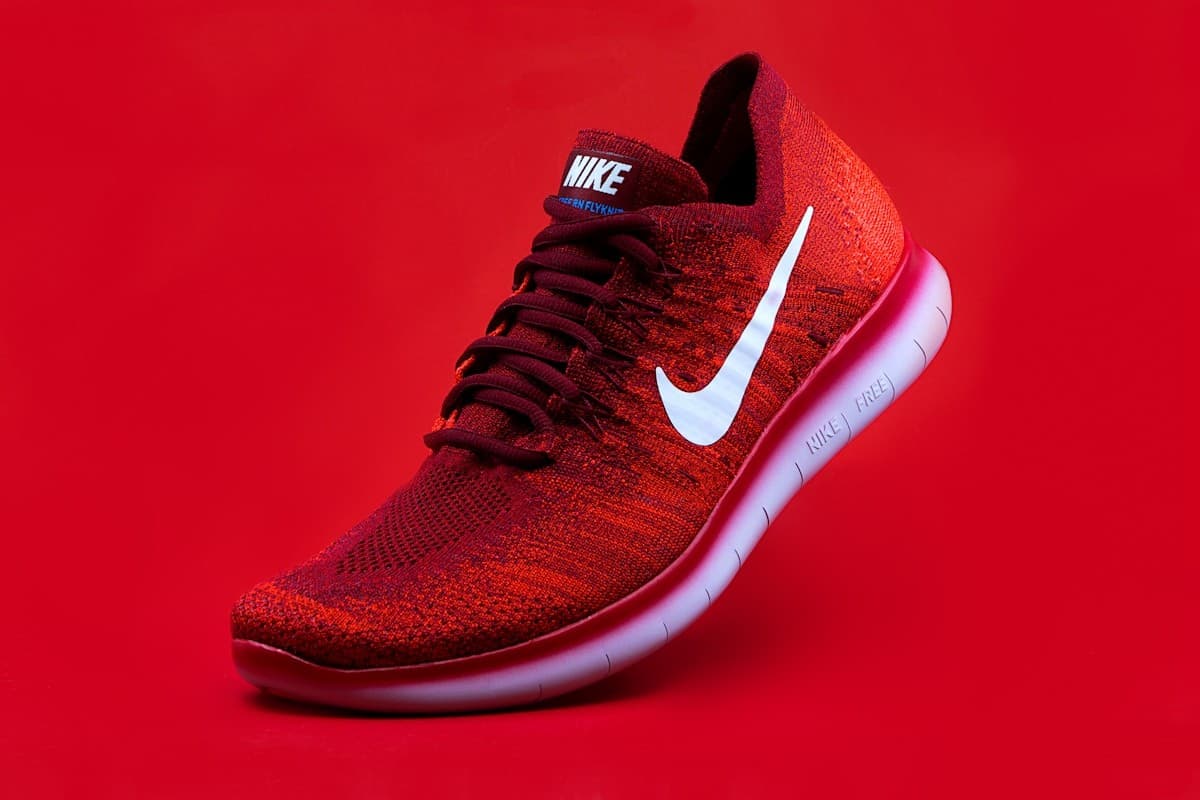 Before
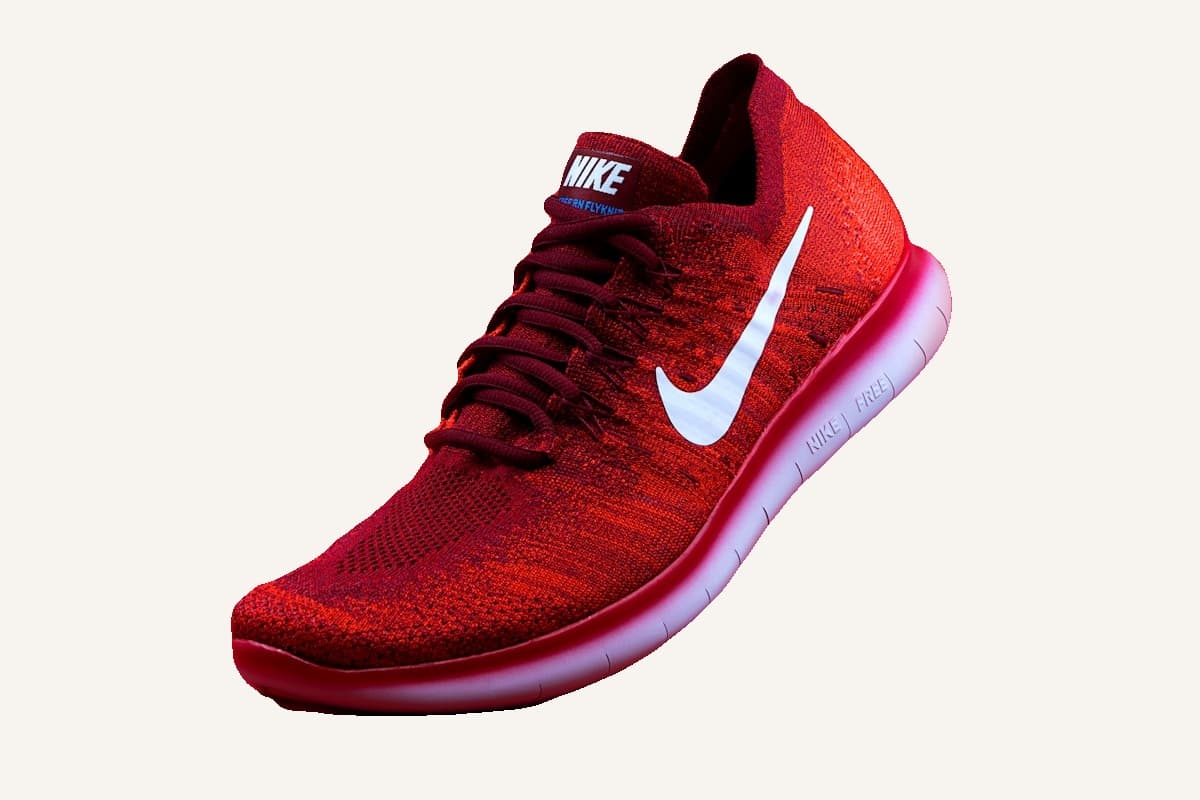 After
After01 · Solid ivory
Prompt: “clean solid ivory background”
 Before
 After
After02 · Solid cool white
Prompt: “soft solid cool-white studio background”
 Before
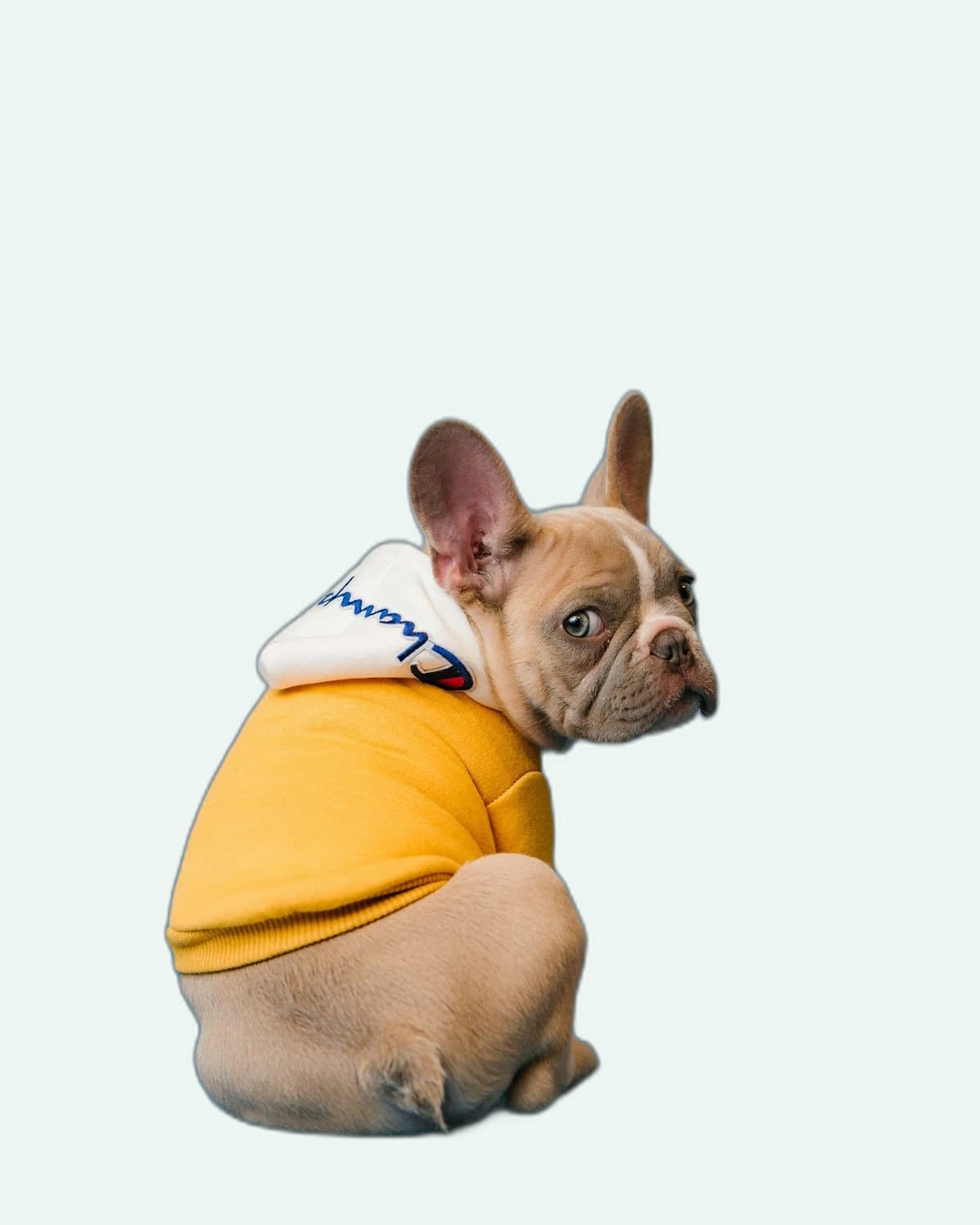 After
After03 · Solid mint
Prompt: “clean solid mint catalog background”
Drag the handle left and right to compare before and after
A short path. No account wall.
Drop your image — we keep your subject front-and-center.
Use a prompt like “sunset beach” or “studio white”.
AI blends the scene to keep the subject believable.
Export a share-ready image for campaigns and stores.
Quality, speed, and privacy — without the SaaS tax.
Type what you want: studio, nature, abstract, or cinematic.
Studio, Nature, Abstract, Gradient — fast, consistent looks.
Pick clean solid colors for catalogs and branding.
Better realism with matched subject lighting and tones.
Keep a cohesive look across product lines.
Generate multiple looks quickly for A/B testing.
Start immediately, directly in your browser.
Uploads expire quickly after processing.
Download clean outputs without branding overlays.
Same tool, different jobs — creators to commerce teams.
Catalog
Create consistent product scenes across your catalog.
Design
Generate quick scenes for posters, ads, and hero images.
Social
Produce new backdrops for campaigns and UGC.
Creator
Make thumbnails and visuals stand out instantly.
Portraits
Offer background options without re-shooting.
Agency
Iterate styles fast for clients and A/B tests.
For “AI background generator” work: free, fast, privacy-first.
FBG AI
Typical alternatives
Designers, sellers, and marketers rely on FBG AI for fast, professional image edits.
Removed backgrounds for 200+ product photos in an afternoon. Quality rivals paid tools.
Pricing, privacy, formats, and commercial use — straight answers.
Yes. Core tools including background removal are free to use with fair usage limits. No credit card is required to get started.
Practical articles that pair with this tool.
Use related tools to remove backgrounds, upscale images, and finalize polished visuals in one workflow.
Stay sharp
Monthly guides, tool updates, and workflow tips. No spam — unsubscribe anytime.
Join the list
Drop your email — we'll take it from there.