Portrait-friendly output
Optimized for faces and natural skin textures.

FBG AI
6-in-1 AI image editing — free & instant
Loading AI tools…
No signup required • No watermark • Auto-delete in 1 hour
Recover clarity from low-res images with 2×/4× upscaling, portrait-friendly enhancement, and fast exports for web or print.
Workspace ready
Workspace
Drop a photo below. Upscaling runs here — results appear in a dedicated section when ready.
Upscale resolution
Drop your image here
or click to browse · Max 15MB
Choose FileOr try a sample
Long-tail landing pages people search for — jump in, then upload in the workspace above.
Drag any slider, then load that example into the workspace.
 Before
 After
After01 · Portrait photo
Low-res portrait restored with cleaner skin detail
 Before
 After
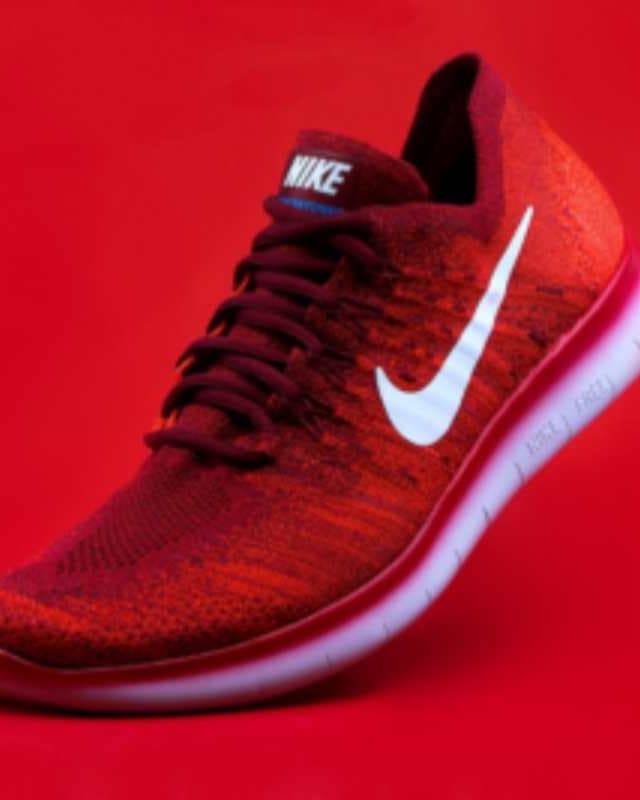
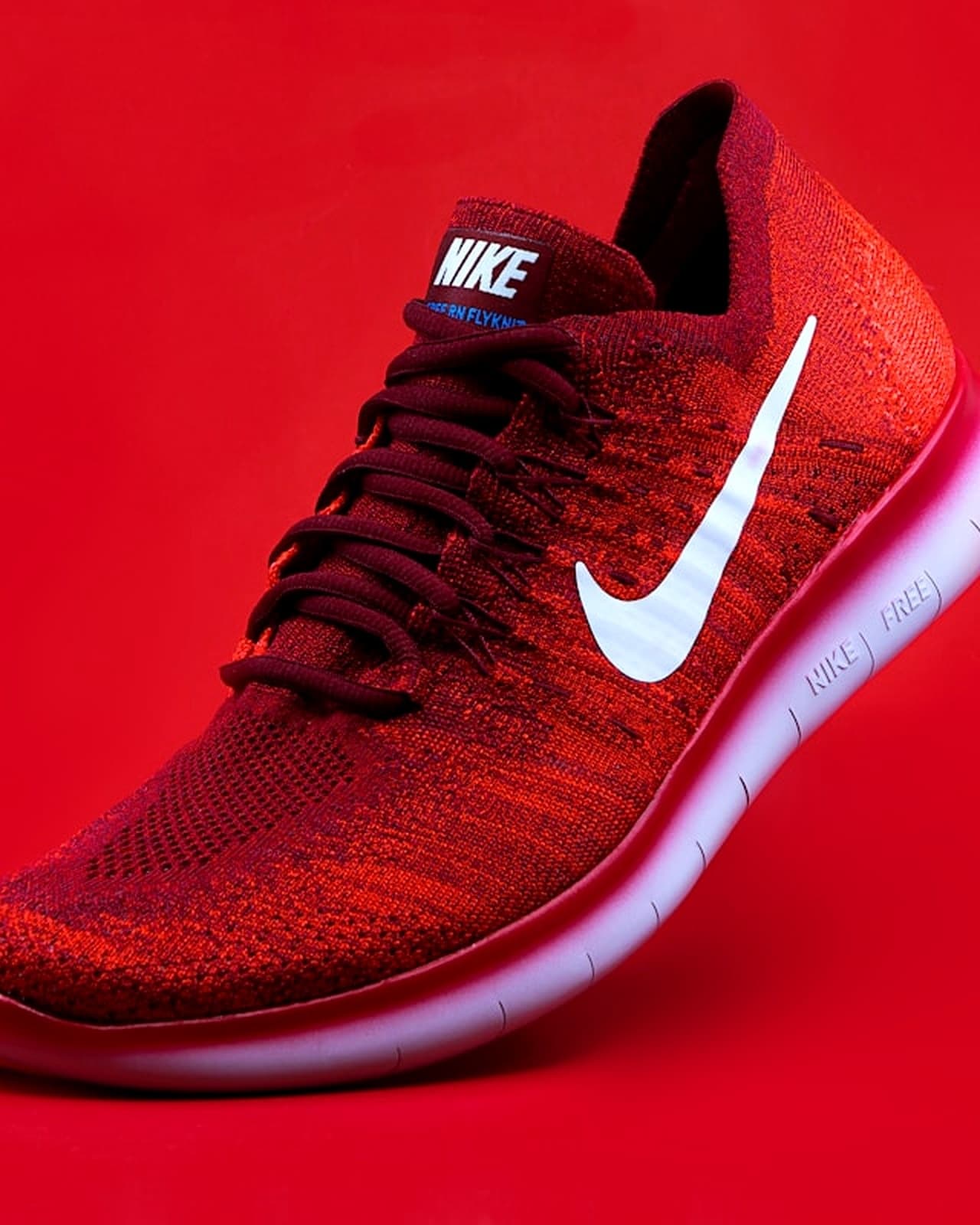
After02 · Product photo
Sharper product edges for catalog and store pages
 Before
 After
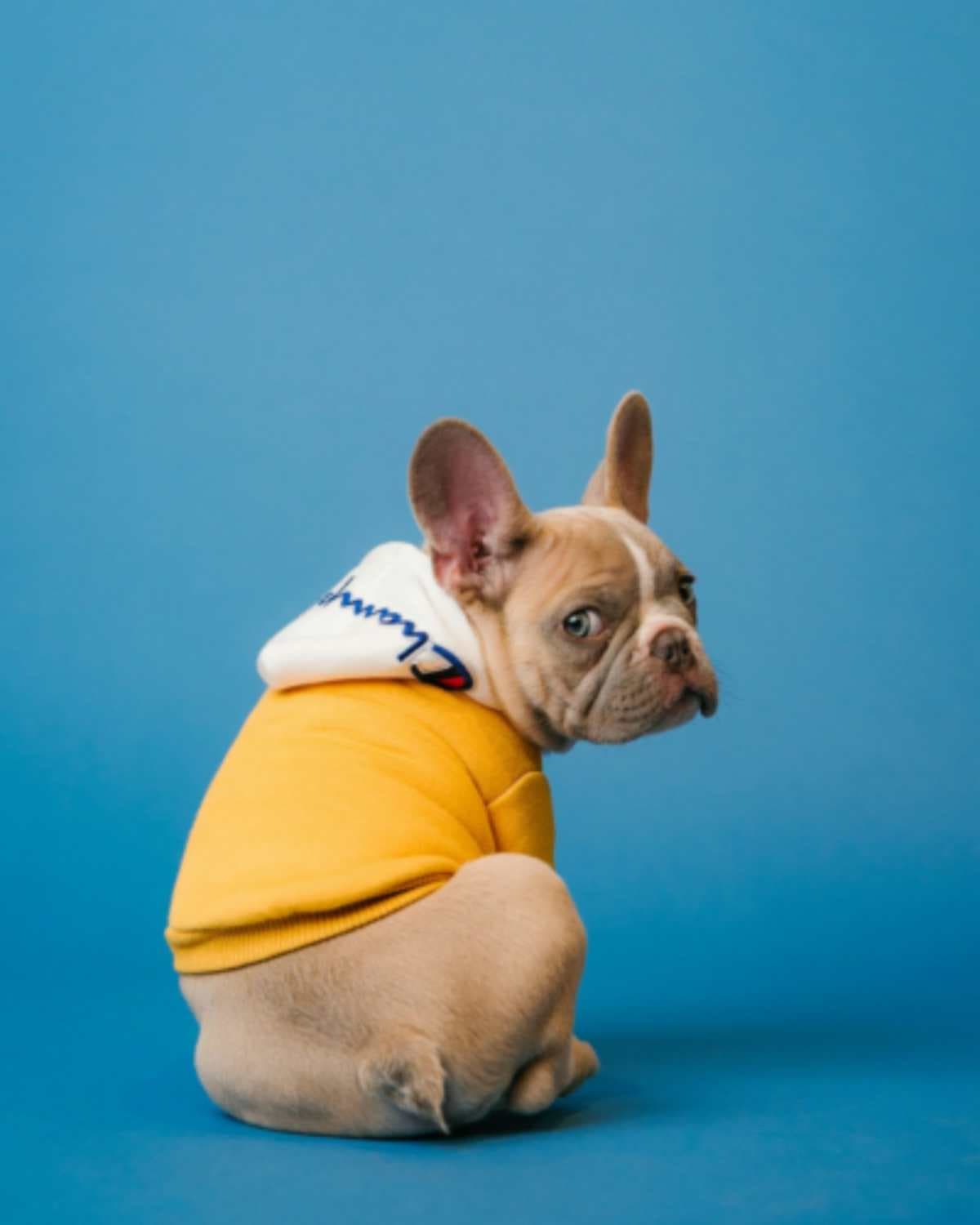
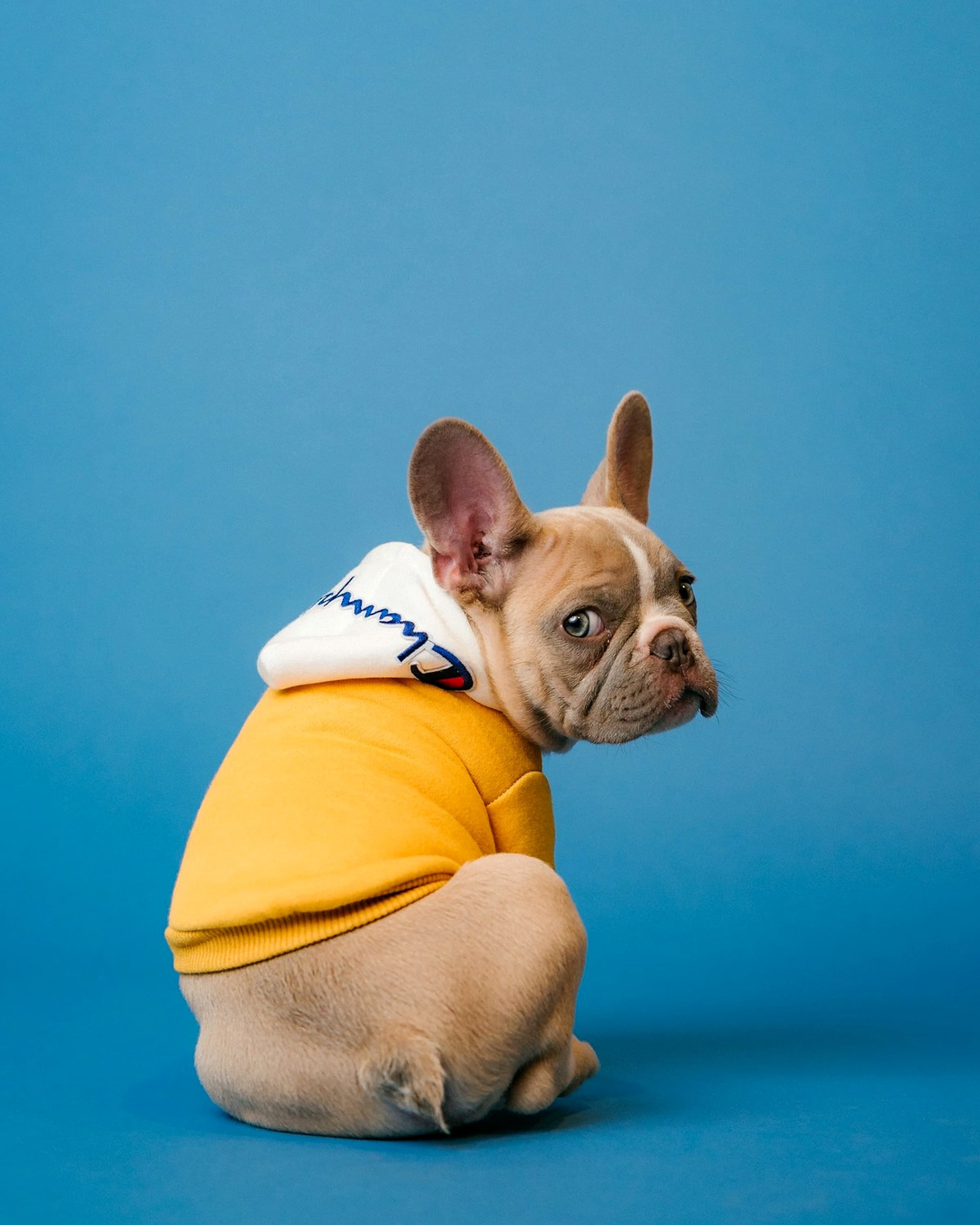
After03 · Pet photo
Fur texture and edges look cleaner after upscaling
Drag the handle left and right to compare before and after
A short path. No account wall.
Drop a JPG/PNG/WebP up to 15MB.
Pick the best scale for social, web, or print.
AI sharpens edges and reduces noise artifacts.
Export the upscaled result ready to publish.
Quality, speed, and privacy — without the SaaS tax.
Choose the right boost for your destination.
Optimized for faces and natural skin textures.
Cleaner detail without harsh artifacts.
Preview before/after to validate sharpness.
Great for low-res logos and UI screenshots.
Quick workflow for creators and teams.
Upscale directly from your phone browser.
Clean downloads for professional use.
Uploads expire quickly after processing.
Same tool, different jobs — creators to commerce teams.
Social
Upscale thumbnails and posts for sharper feeds.
Products
Make product photos look premium in catalogs.
Design
Improve assets for ads, banners, and print.
UI
Enhance screenshots and UI assets quickly.
Photo
Recover detail from older or compressed exports.
Brand
Restore crisp logos for consistent branding.
For “image upscaler” work: free, fast, privacy-first.
FBG AI
Typical alternatives
Designers, sellers, and marketers rely on FBG AI for fast, professional image edits.
Removed backgrounds for 200+ product photos in an afternoon. Quality rivals paid tools.
Pricing, privacy, formats, and commercial use — straight answers.
Yes. Core tools including background removal are free to use with fair usage limits. No credit card is required to get started.
Practical articles that pair with this tool.
After upscaling, use related tools to remove backgrounds, enhance details, and finalize edits in one workflow.
Stay sharp
Monthly guides, tool updates, and workflow tips. No spam — unsubscribe anytime.
Join the list
Drop your email — we'll take it from there.