Precision brush
Paint only the watermark — the rest of the image stays untouched.

FBG AI
6-in-1 AI image editing — free & instant
Loading AI tools…
No signup required • No watermark • Auto-delete in 1 hour
Clean your images with smart inpainting. Target watermark regions manually or rely on auto-detect — only use this tool on content you own or have permission to edit.
Workspace ready
Workspace
Upload your image first. You will mark the watermark in the next step — nothing is processed until you confirm.
Drop your image here
No auto-processing — you paint the watermark area first
Choose FileOr try a sample
Long-tail landing pages people search for — jump in, then upload in the workspace above.
Drag any slider, then load that example into the workspace.
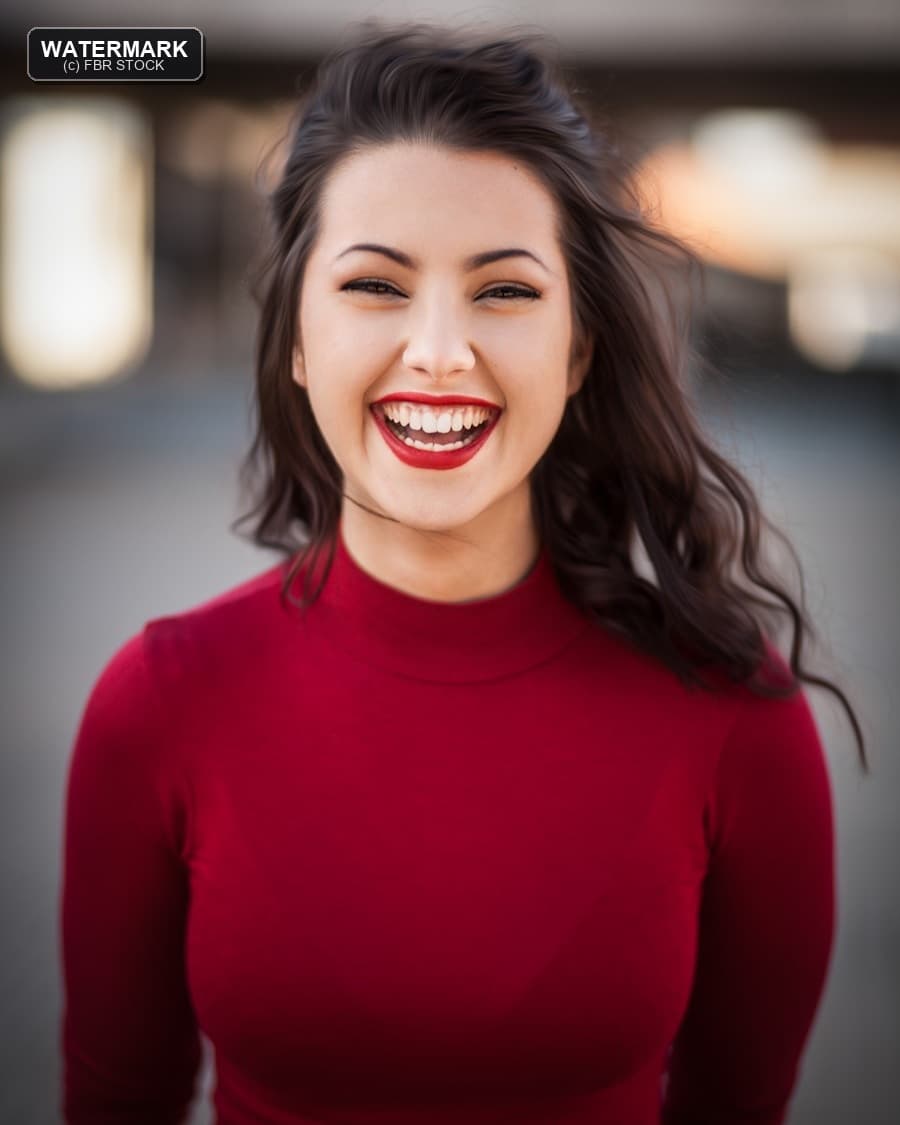 Before
 After
After01 · Portrait watermark → clean frame
Top-left watermark removed with clean inpainting
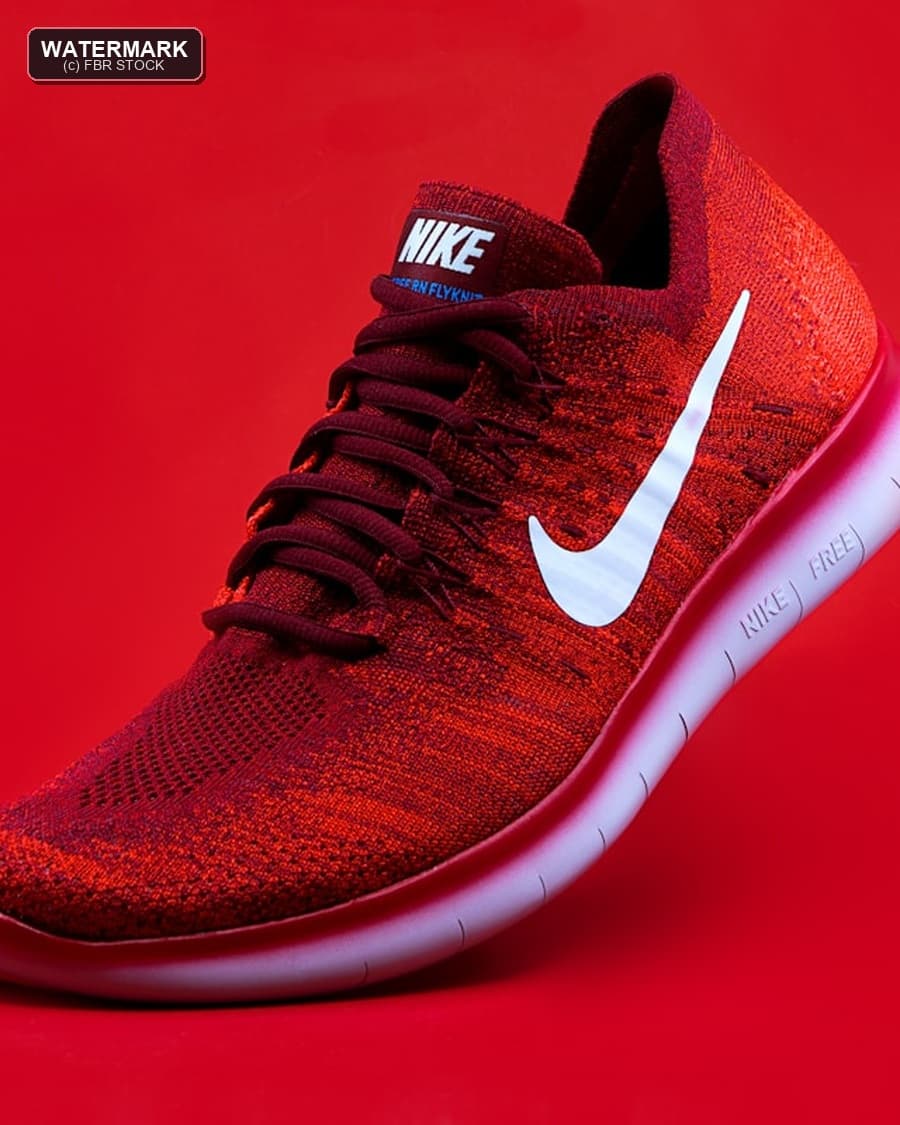 Before
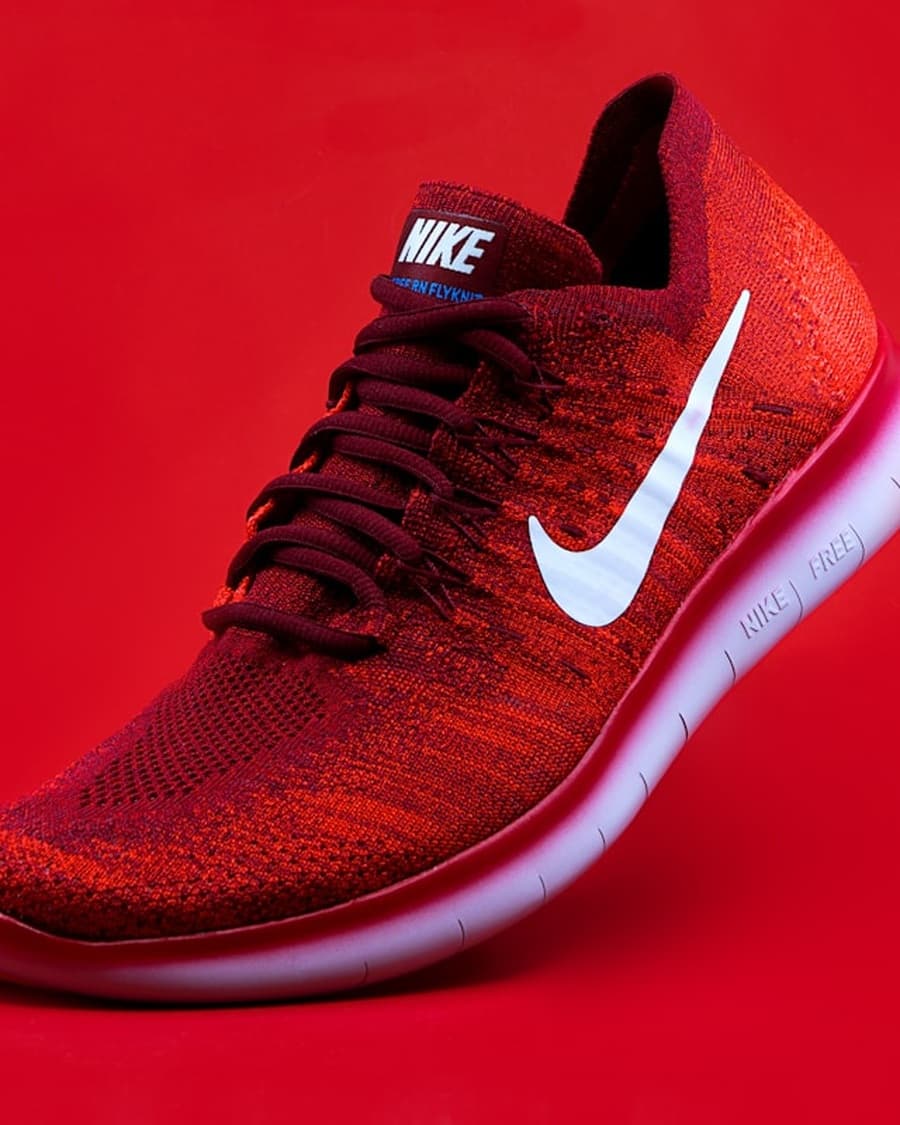 After
After02 · Product watermark → listing ready
Top-left sample mark removed for clean catalog use
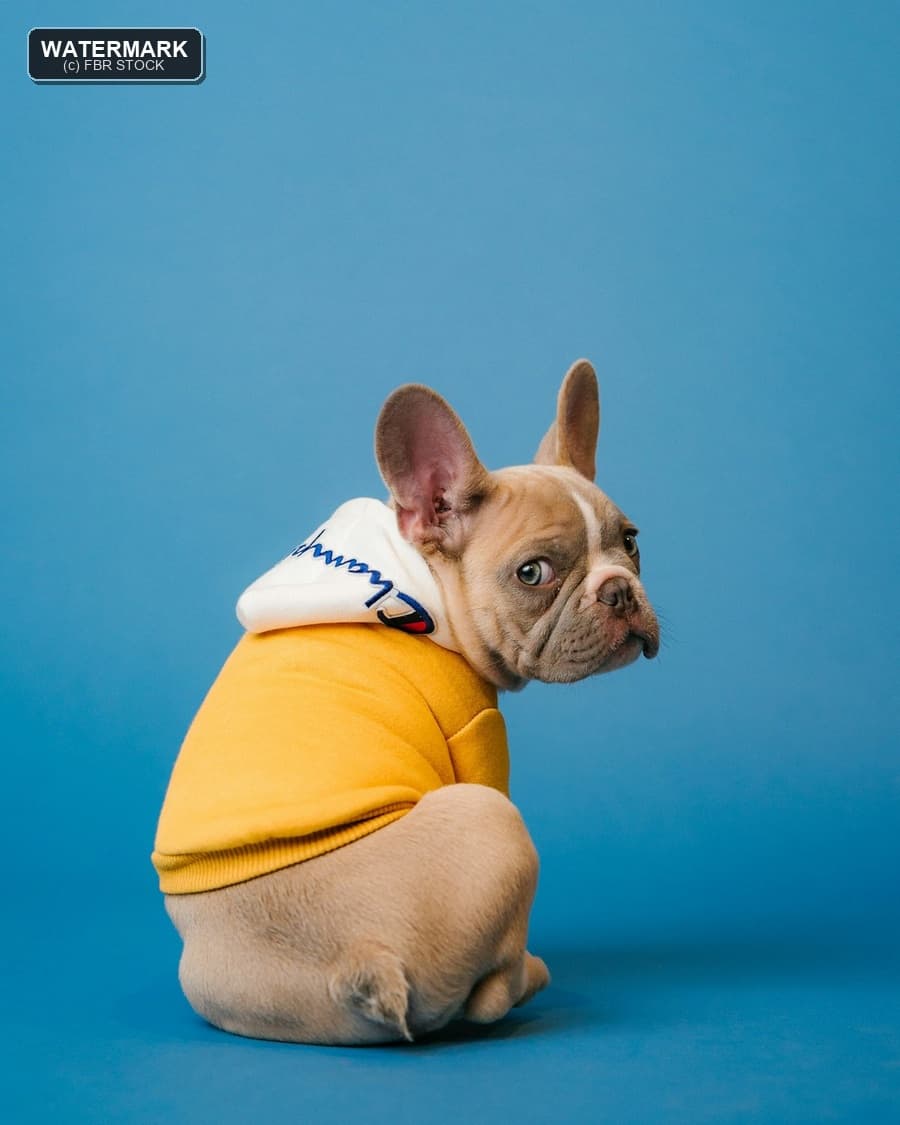 Before
 After
After03 · Pet photo watermark → natural cleanup
Top-left text mark removed with clear, sharp texture
Drag the handle left and right to compare before and after
A short path. No account wall.
Add your image (JPG/PNG/WebP) up to 15MB.
Paint over the watermark — nothing runs until you confirm.
AI fills the region with realistic texture and detail.
Export a clean image for your workflow.
Quality, speed, and privacy — without the SaaS tax.
Natural fill that preserves surrounding texture.
Paint only the watermark — the rest of the image stays untouched.
Reconstructs marked pixels while preserving surrounding tones.
Preview changes to ensure quality.
Optimized UX for multi-image workflows (up to 5 planned).
Clear reminders to respect copyright and ownership.
Get a clean file quickly with minimal waiting.
We never add a new watermark to your output.
Uploads expire quickly after processing.
Same tool, different jobs — creators to commerce teams.
Products
Remove your brand marks for marketplace variants.
Agency
Clean client-owned assets safely and quickly.
Marketing
Prepare assets for campaigns and ads.
Design
Restore clean backgrounds for layouts.
Creator
Fix overlays on content you own.
Restore
Restore scans with stamped marks (where permitted).
For “remove watermark from image” work: free, fast, privacy-first.
FBG AI
Typical alternatives
Designers, sellers, and marketers rely on FBG AI for fast, professional image edits.
Removed backgrounds for 200+ product photos in an afternoon. Quality rivals paid tools.
Pricing, privacy, formats, and commercial use — straight answers.
Yes. Core tools including background removal are free to use with fair usage limits. No credit card is required to get started.
Practical articles that pair with this tool.
Explore the full FBG AI suite — upscale, generate backgrounds, remove backgrounds, blur backgrounds, and enhance images.
Stay sharp
Monthly guides, tool updates, and workflow tips. No spam — unsubscribe anytime.
Join the list
Drop your email — we'll take it from there.