Remove Background from PNG Online Free Complete AI Guide
Need to remove background from a PNG image without Photoshop or complicated editing software? With an AI background remover, you can turn a PNG with a white, colored, or unwanted background into a clean transparent PNG in seconds.
Whether you're preparing product images, logos, graphics, social media content, presentations, stickers, or website assets, removing the background from PNG files makes your images easier to reuse and edit.
With Free Background Remover AI, you can upload a PNG, JPG, or WebP image and create a transparent PNG online without installing software or creating an account. The PNG tool supports files up to 15 MB and provides transparent output without a watermark.
Try it now: Remove Background from PNG Online
What Does It Mean to Remove Background from a PNG?
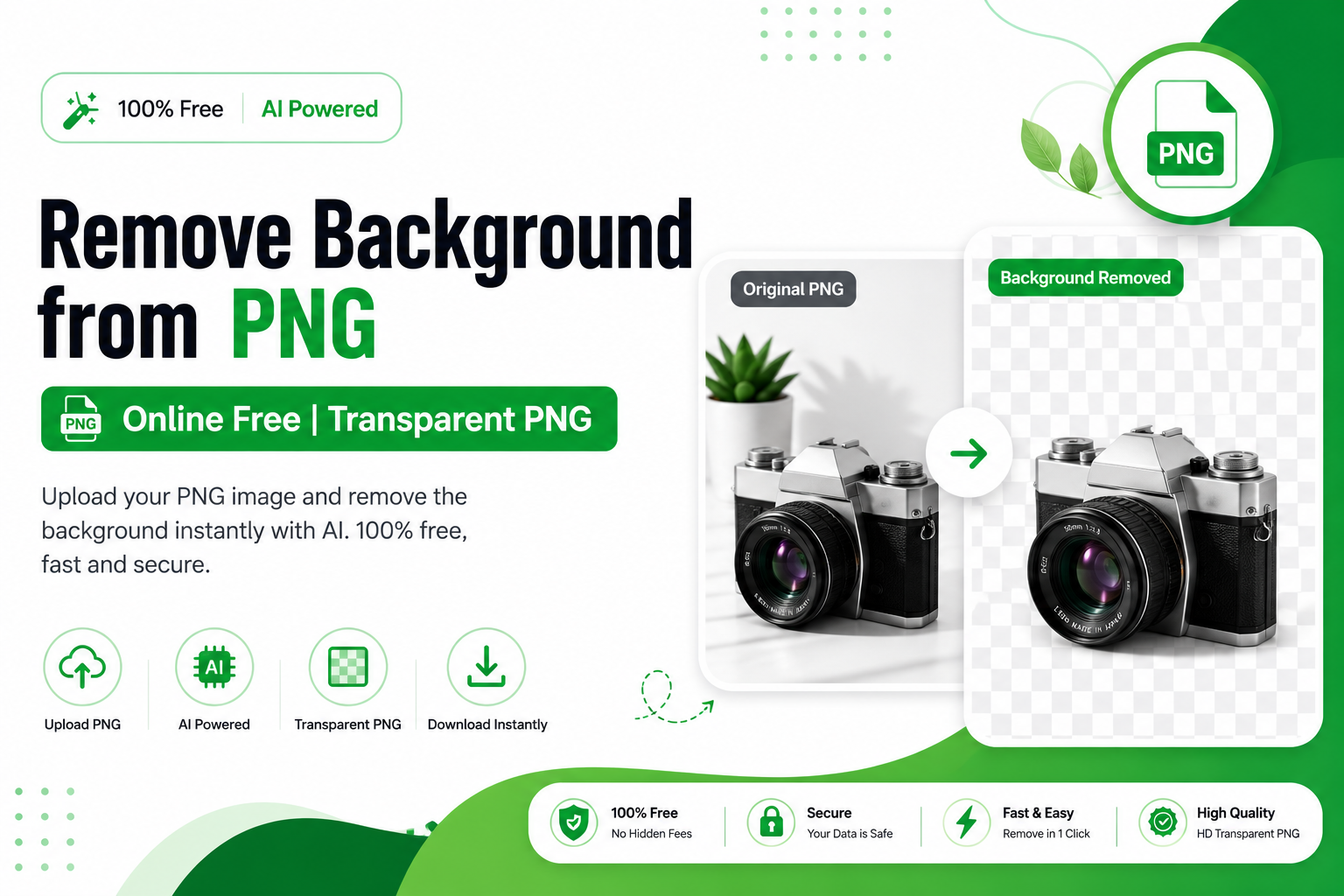
Removing the background from a PNG means separating the main subject from everything behind it and making the unwanted area transparent.
For example, a product PNG might have a white background even though the image is saved as a PNG. Simply having a .png extension does not automatically mean that the image has transparency.
A properly processed transparent PNG contains an alpha channel. This allows the subject to be placed over different colors, designs, websites, advertisements, or other images without a visible rectangular background.
This is especially useful for:
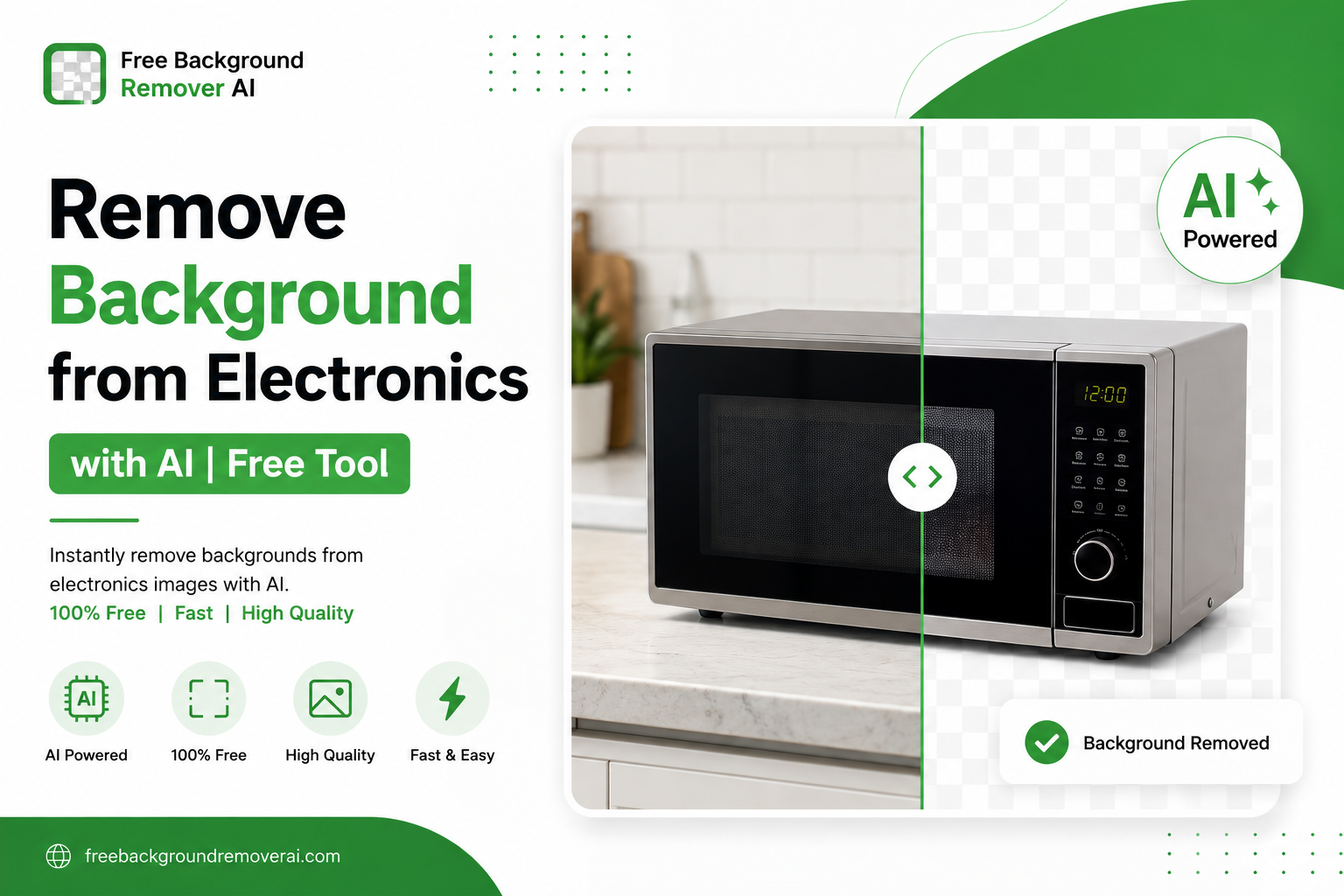
Product photos
Logos
E-commerce images
Social media graphics
Stickers
Presentations
Website images
Marketing designs
YouTube thumbnails
Digital artwork
Can You Remove a Background from a PNG Online for Free?
Yes. You can remove a background from a PNG online using an AI-powered background remover.
Instead of manually selecting every edge with Photoshop, AI analyzes the image, identifies the main subject, and separates it from the background.
With Free Background Remover AI, the process is designed to be simple:
Upload your PNG image.
Let the AI detect the main subject.
Remove the unwanted background.
Preview the result.
Download the transparent PNG.
The tool also accepts JPG and WebP files and can convert the resulting cutout into a transparent PNG when downloaded.
How to Remove Background from PNG Online
Step 1: Upload Your PNG
Start by opening the Remove Background from PNG tool.
Upload your PNG file by selecting it from your device or dragging it into the upload area.
The current tool supports PNG, JPG, and WebP files up to 15 MB per image.
Step 2: Let AI Detect the Subject
After uploading the image, the AI analyzes it and identifies the main object or subject.
This automatic detection helps separate the foreground from the background without requiring you to manually draw around the object.
It can be especially useful for objects with detailed edges, such as products, logos, clothing, accessories, and other graphics.
Step 3: Remove the Background
The AI processes the image and removes the unwanted background.
Instead of leaving a solid white rectangle behind the subject, the result is designed to contain real transparency.
The tool uses subject detection and edge processing to create cleaner cutouts.
Step 4: Check the Transparent Result
Before downloading, inspect the edges of your subject.
Pay particular attention to:
Hair
Small product details
Thin lines
Corners
Transparent objects
Jewelry
Clothing edges
Logos and text
Checking the result before using it can help you catch small imperfections.
Step 5: Download Your Transparent PNG
Once the result looks good, download the image as a transparent PNG.
You can then use the cutout in Canva, Figma, Shopify, social media templates, presentations, websites, and other design projects.
Why Use AI to Remove Backgrounds from PNG Images?
Traditional background removal can take time, especially when an image contains complicated edges.
AI makes the process much easier because the software handles much of the subject detection automatically.
Faster Editing
Instead of spending several minutes manually selecting an object, AI can process a suitable image quickly.
Cleaner Cutouts
Good AI background removers can identify subject boundaries and preserve important edges.
No Photoshop Required
You don't need advanced graphic design skills or expensive editing software.
Transparent PNG Output
The final image can be saved with transparency, making it ready for different backgrounds and design layouts.
Easy Online Workflow
A browser-based tool means you can work from a computer, tablet, or supported mobile browser without installing desktop software.
What Can You Do With a Transparent PNG?
Once you remove the background, the image becomes much more flexible.
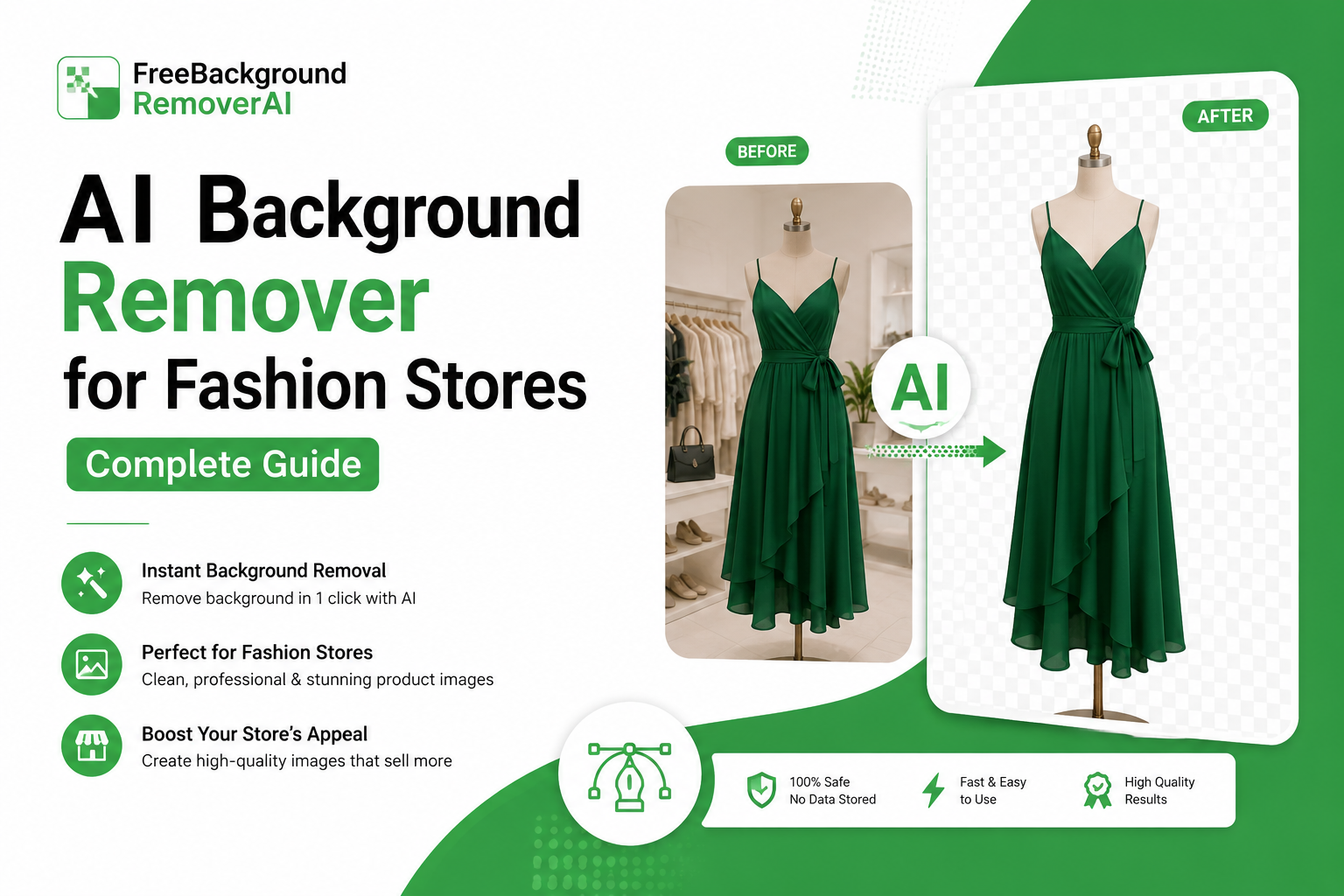
1. E-commerce Product Images
Online sellers can create clean product photos for stores and marketplaces.
A transparent product cutout can be placed on white, colored, or branded backgrounds.
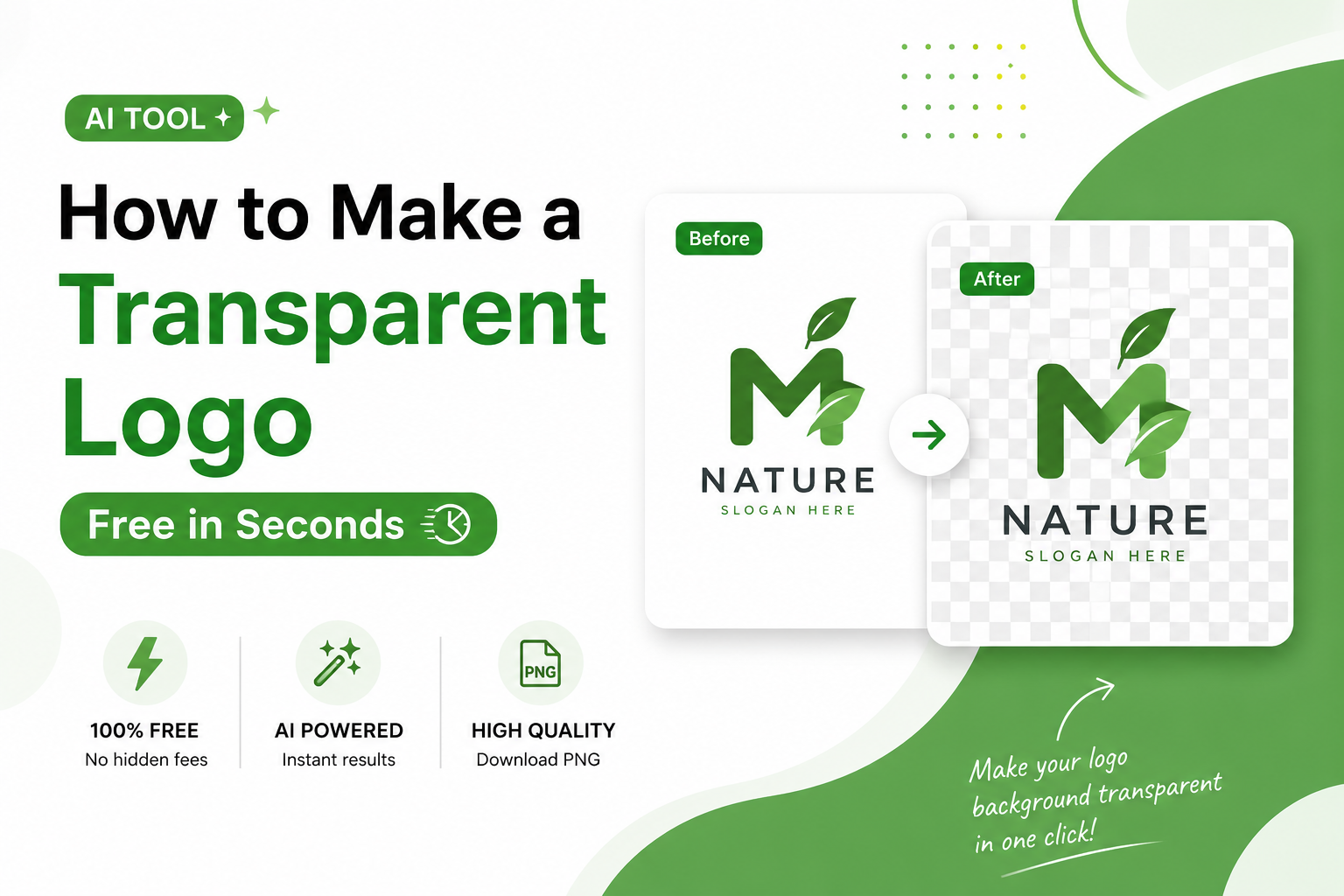
2. Logos
Removing an unwanted background from a logo makes it easier to place the logo on websites, presentations, advertisements, and marketing materials.
3. Social Media Posts
Transparent images can be layered over custom designs for Instagram posts, Facebook graphics, YouTube thumbnails, and other social content.
4. Website Design
Developers and designers can use transparent PNGs over different website backgrounds without showing an unwanted rectangular box.
5. Stickers
Transparent PNG files are useful when creating digital sticker designs because the unwanted background doesn't appear around the subject.
6. Presentations
Transparent graphics can make PowerPoint, Google Slides, and other presentations look cleaner and more professional.
7. Canva and Figma Designs
After removing the background, you can place the cutout directly into design projects and combine it with other elements.
The PNG tool is designed for reuse in workflows such as Canva, Figma, Shopify, and social templates.
How to Get Better PNG Background Removal Results
AI can make background removal simple, but the quality of your original image still matters.
Use a High-Quality Image
Higher-resolution images usually provide more useful edge information than heavily compressed images.
Avoid Extremely Blurry Images
Blurred edges make it harder to determine exactly where the subject ends and the background begins.
Keep the Subject Clearly Visible
Images where the main object is easy to distinguish from the background generally produce better results.
Check Fine Details
Always inspect hair, thin lines, product handles, jewelry, and other small areas after processing.
Use PNG for Final Transparency
If you need a transparent final image, download and keep it as PNG rather than converting it back to JPG.
How to Remove a White Background from a PNG
A common problem is having a PNG that still contains a white rectangular background.
Saving an image as PNG does not automatically make the white area transparent.
To remove it:
Upload the PNG to an AI background remover.
Let the AI identify the foreground.
Remove the white background.
Check the edges.
Export the result as a transparent PNG.
Free Background Remover AI specifically provides a PNG workflow for images that have leftover backgrounds or white boxes.
How to Remove a Background from a Logo PNG
Logos often need transparent backgrounds because they are used across different colors and layouts.
For example, a logo designed on a white canvas may show an unwanted white box when placed on a dark website.
An AI background remover can isolate the logo and create a transparent version that can be reused across:
Websites
Business cards
Social media
Presentations
Advertisements
Packaging
Documents
For best results, upload the highest-quality logo file available and inspect small lettering or thin lines after processing.
How to Remove Background from Product PNG Images
Product photography is another major use case for transparent PNGs.
A clean product cutout allows online sellers to create consistent product listings and promotional graphics.
You can use transparent product images for:
Shopify stores
Product catalogs
Online advertisements
Social media campaigns
Product comparison graphics
Promotional banners
Marketplace listings
If you work with online products regularly, you can also explore other AI background removal guides on our blog.
Why Choose Free Background Remover AI?
Free Background Remover AI provides a simple browser-based workflow for removing unwanted backgrounds.
The current PNG tool offers:
No signup
No watermark
PNG, JPG, and WebP support
Up to 15 MB per image
Transparent PNG output
AI subject detection
Smooth edge processing
Automatic deletion of uploads after processing
Browser-based editing
These features are stated on the current PNG tool page.
You can remove the background from your PNG online and download the finished transparent image.
For general background removal, you can also use the Free Background Remover AI homepage.
Frequently Asked Questions
How do I remove a background from a PNG?
Upload your PNG to an AI background remover, allow the tool to detect the subject, remove the unwanted background, and download the result as a transparent PNG.
Can I remove a PNG background online for free?
Yes. Free online AI background removers can process PNG images and create transparent cutouts without requiring traditional image-editing software.
Does PNG automatically mean transparent?
No. A PNG file can still contain a solid white, colored, or photographic background. Transparency must be present in the image's alpha channel.
Can I remove a white background from a PNG?
Yes. AI background removal can separate the foreground subject from a white background and export the result as a transparent PNG.
Can I remove the background from JPG and save it as PNG?
Yes. JPG images can be processed and exported as transparent PNG files. Free Background Remover AI currently accepts JPG, PNG, and WebP uploads.
What is the maximum image size?
The current PNG tool accepts PNG, JPG, and WebP images up to 15 MB per image.
Does removing the background reduce image quality?
Background removal itself does not necessarily mean significant quality loss. However, the quality of the original image affects the final result. Low-resolution or heavily compressed images may have less detail around edges.
Can I use a transparent PNG in Canva?
Yes. Transparent PNG files are useful for layered designs in Canva and similar design platforms. The FBG AI PNG workflow is intended for reuse in Canva, Figma, Shopify, and social templates.
Is a transparent PNG better than JPG for logos?
Usually, yes. PNG is better when the logo needs transparency. JPG does not provide the same transparent-background capability.
Do I need Photoshop to remove a PNG background?
No. An online AI background remover can handle the process without requiring Photoshop or advanced editing skills.
Final Thoughts
Removing a background from a PNG no longer needs to be a complicated Photoshop task. With AI, you can upload an image, automatically detect the subject, remove the unwanted background, and export a transparent PNG in a few simple steps.
Transparent PNGs are useful for e-commerce products, logos, social media graphics, websites, presentations, stickers, thumbnails, and many other creative projects.
If you want a quick online solution, try Free Background Remover AI and use the dedicated Remove Background from PNG tool to create a clean transparent image.
Share this guide with your team