Remove.bg Alternative: Best Free Background Remover in 2026
Looking for a Remove.bg alternative that lets you remove image backgrounds without paying for every high-resolution download?
If you need to create a transparent PNG for an online store, product listing, social media post, presentation, logo, or marketing design, Free Background Remover AI gives you a simple way to remove backgrounds directly from your browser.
In this guide, we'll compare Remove.bg vs Free Background Remover AI across background removal quality, transparent PNG exports, hair and edge detection, speed, editing features, commercial use, and everyday usability.
If your main goal is simply to remove a background and download a transparent PNG, you can start here:
Remove Background from PNG Images:
https://freebackgroundremoverai.com/remove-background/png
Quick Answer: What Is the Best Remove.bg Alternative?
For users looking for a free background remover with full resolution PNG output, Free Background Remover AI is a strong alternative to Remove.bg.
It is particularly useful for:
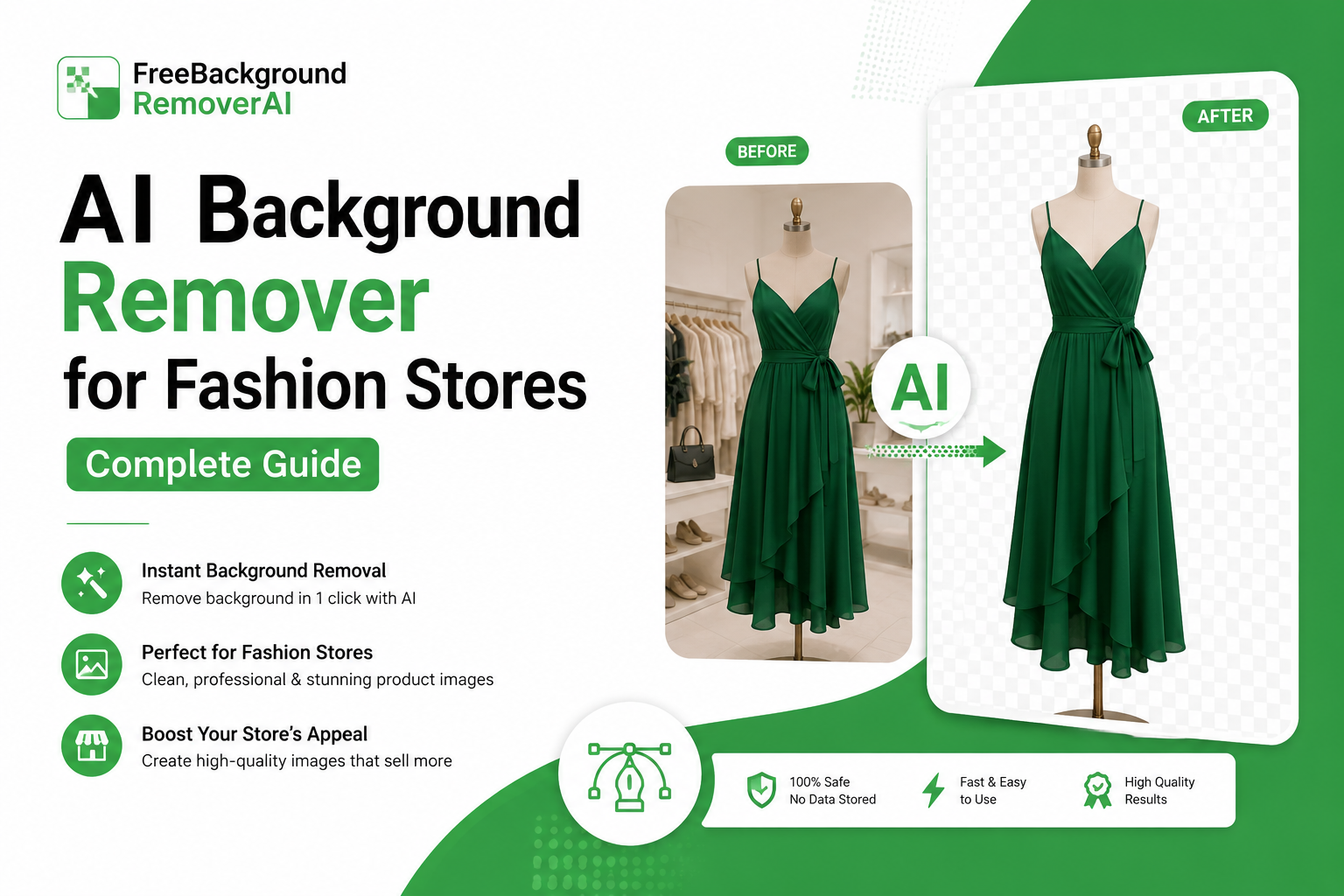
Product photos
Amazon and Shopify images
Portraits
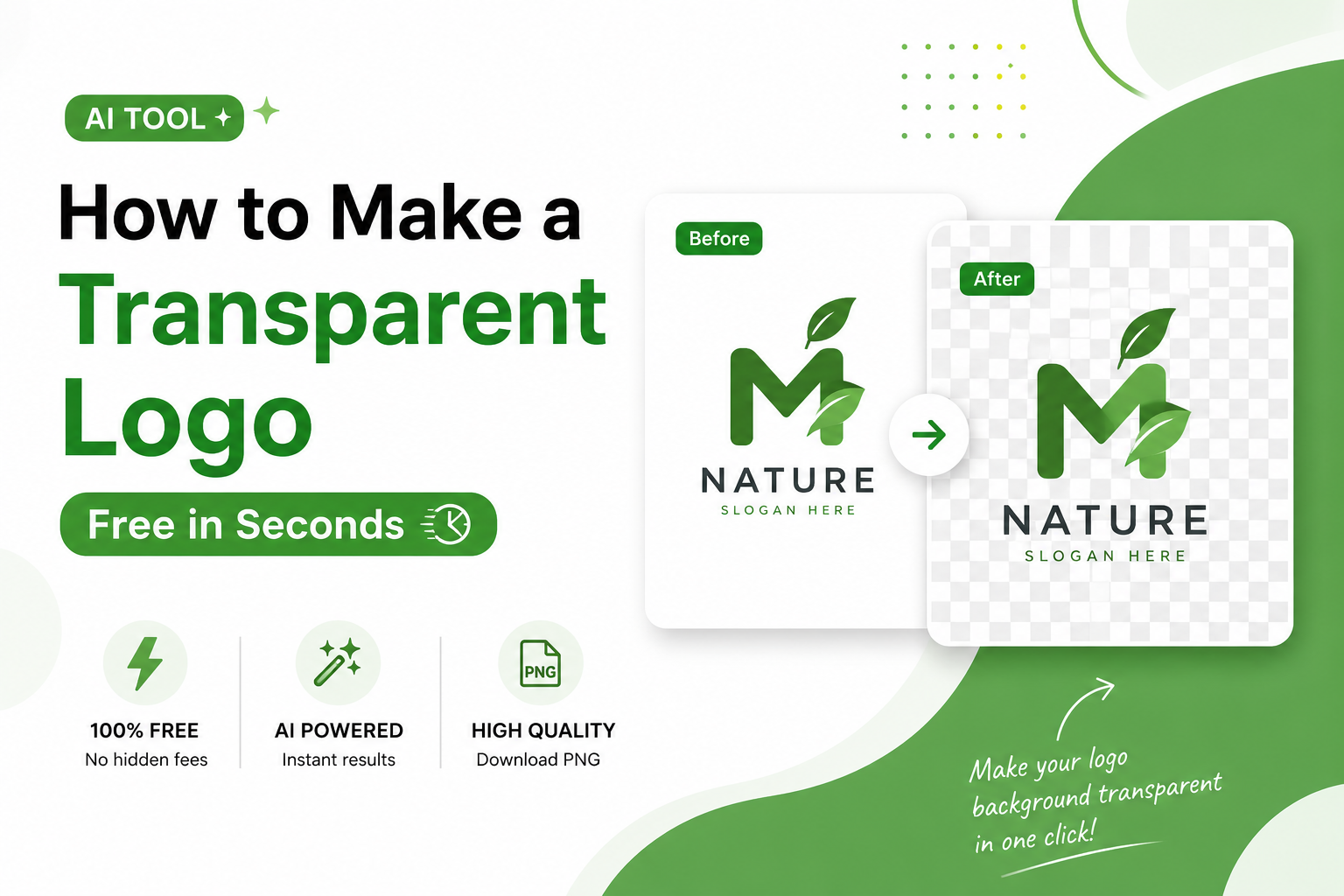
Logos
Social media graphics
Marketing materials
Presentations
E-commerce product catalogs
Images with complex backgrounds
Remove.bg remains a well known background removal service and is particularly useful for users who need established developer/API workflows.
However, if your priority is free background removal, transparent PNG output, and additional AI image tools, Free Background Remover AI provides a broader workflow.
What Is Remove.bg?
Remove.bg is an AI-powered background removal service designed to automatically detect the main subject of an image and separate it from the background.
It has become popular because users can upload an image and automatically create a background-free version without manually selecting every part of the subject.
Some of its commonly known features include:
Automatic AI background removal
Transparent image backgrounds
Background replacement
API access
Photoshop integration
Mobile access
Support for product and portrait images
The main consideration for many users is the difference between free previews and full resolution output.
What Is Free Background Remover AI?
Free Background Remover AI is an online AI image editing platform that provides automatic background removal along with several additional image-processing tools.
Instead of installing Photoshop or manually tracing an object with a selection tool, you can upload an image and let AI detect the foreground.
You can use the platform to create transparent PNG images and continue editing the result with other AI-powered tools.
Main Features
Free Background Remover AI includes:
AI background removal
Transparent PNG creation
Image upscaling
Image enhancement
AI background generation
Watermark removal
Background blur
Browser-based editing
You can also explore the main platform here:
https://freebackgroundremoverai.com/
How Does AI Background Removal Work?
AI background removers use image segmentation to identify the difference between the foreground subject and the background.
For example, if you upload a product photo, the AI analyzes the image and identifies the product as the main subject. It then creates a mask around the subject and removes the surrounding pixels.
The result is an image with a transparent background.
A typical process looks like this:
Upload image → AI detects subject → Background is removed → Transparent PNG is generated → Download or continue editing
This is significantly faster than manually selecting the subject in Photoshop.
Remove.bg vs Free Background Remover AI: Image Quality
Both platforms can produce clean results when the subject is clearly separated from the background.
The biggest differences usually become visible when an image contains:
Curly or flyaway hair
Fur
Shadows
Busy backgrounds
Similar foreground/background colors
Fine details
Transparent or semi-transparent objects
For simple product photography and portraits, both services can produce useful results.
For more complicated images, the quality of edge detection becomes especially important because a background remover must determine exactly where the subject ends.
Hair and Fine-Edge Detection
Hair is one of the hardest parts of automatic background removal.
A basic background remover may create an overly hard edge around hair, making the final image look unnatural.
AI background removal performs better when it can preserve:
Individual hair strands
Curly hair
Flyaway hair
Fur
Fine clothing edges
Small details around the subject
For professional portraits, always inspect the final PNG around the hair and shoulders before using it commercially.
Transparent PNG Background Removal
One of the most common reasons people search for a free PNG background remover is to create an image that can be placed on another design without a white or colored box behind it.
A transparent PNG is useful because the background is removed while the subject remains visible.
For example, you can use transparent PNGs for:
Website graphics
Product listings
Logos
Posters
Social media designs
YouTube thumbnails
Presentations
Advertisements
Product catalogs
If that's exactly what you need, use the dedicated tool:
Remove Background and Create a Transparent PNG
https://freebackgroundremoverai.com/remove-background/png
Which Is Better for Product Photos?
Product photography is one of the most common background-removal use cases.
Online sellers often need products isolated from their original environment so they can place them on:
White backgrounds
E-commerce templates
Promotional banners
Lifestyle scenes
Social media designs
Product catalogs
For straightforward studio photographs, both Remove.bg and Free Background Remover AI can be useful.
Free Background Remover AI becomes more convenient if you need to continue editing the image after removing the background.
Remove Backgrounds for Amazon and E-commerce
E-commerce sellers frequently need clean product images.
A typical workflow might look like:
Product photo → Remove background → Create transparent PNG → Add white or custom background → Optimize image → Upload to store
This is useful for Amazon sellers, Shopify merchants, Etsy sellers, online retailers, and small businesses.
Instead of manually cutting every product out in Photoshop, an AI background remover can automate much of the process.
Remove Backgrounds for Shopify Products
Shopify store owners often need consistent product images across their collections.
A transparent product cutout can be reused in:
Product pages
Collection banners
Promotional graphics
Instagram posts
Facebook advertisements
Email campaigns
After removing the background, you can also use the AI Background Generator to create a more lifestyle-oriented product scene:
https://freebackgroundremoverai.com/tools/ai-background-generator
Remove Backgrounds Without Photoshop
You don't need Photoshop to create a transparent image.
An online AI background remover can handle the initial cutout automatically.
This is particularly helpful for beginners, students, freelancers, entrepreneurs, and small businesses that don't have access to professional image-editing software.
The basic workflow is simple:
Upload your image.
Let the AI detect the subject.
Remove the background.
Download the transparent PNG.
Use the image in your design or online store.
What Else Can You Do After Removing a Background?
Background removal is often only the first step.
After creating a transparent cutout, you may want to improve the image, increase its resolution, or create an entirely new environment.
Free Background Remover AI provides several tools that can be used as part of that workflow.
Upscale the Image
If the original image is too small, you can use the Image Upscaler to increase its resolution:
https://freebackgroundremoverai.com/tools/image-upscaler
This can be useful for product images, marketing graphics, and older photographs.
Enhance Image Quality
After removing a background, you may notice that the original image is slightly soft or lacks detail.
The Image Enhancer can be used to improve the overall appearance:
https://freebackgroundremoverai.com/tools/image-enhancer
Generate a New Background
Instead of leaving the subject on a transparent canvas, you can create a completely different environment with the AI Background Generator:
https://freebackgroundremoverai.com/tools/ai-background-generator
This can be particularly useful for product marketing and social media content.
Blur the Background
If you don't want to completely remove the background, you can use a Blur Background Tool to create a depth-of-field effect:
https://freebackgroundremoverai.com/tools/blur-background
Remove Watermarks
For images where you have the appropriate rights to edit the content, the Watermark Remover can help clean up unwanted marks:
https://freebackgroundremoverai.com/tools/watermark-remover
Which Tool Is Easier to Use?
Both Remove.bg and Free Background Remover AI are designed to make background removal simple.
You don't need advanced Photoshop knowledge.
The biggest advantage of an integrated AI image-editing platform is that you can continue working on the same image after removing the background instead of switching between multiple websites.
For example:
Remove background → Enhance → Upscale → Generate background → Download
That workflow can save time when preparing multiple marketing or product images.
Which Is Faster?
For normal-sized images, both services can process images quickly.
Actual processing time can vary depending on:
Image dimensions
File size
Server load
Internet connection
Image complexity
For most users, the difference of a few seconds isn't as important as the final image quality and export options.
Remove.bg Alternative for Freelancers
Freelancers often need background removal for client projects.
Common examples include:
Product catalogs
Social media posts
Real estate graphics
Advertising creatives
Portrait editing
Marketplace listings
Website graphics
A free background removal tool can reduce the need for expensive image editing subscriptions, especially when background removal is only one part of a larger project.
Remove.bg Alternative for Small Businesses
Small businesses often don't have a dedicated graphic designer.
An online AI background remover can make simple product image editing much easier.
A business owner can photograph a product, remove the background, improve the image, and prepare it for an online store without learning advanced editing software.
This is particularly useful for:
Clothing stores
Jewelry businesses
Restaurants
Handmade products
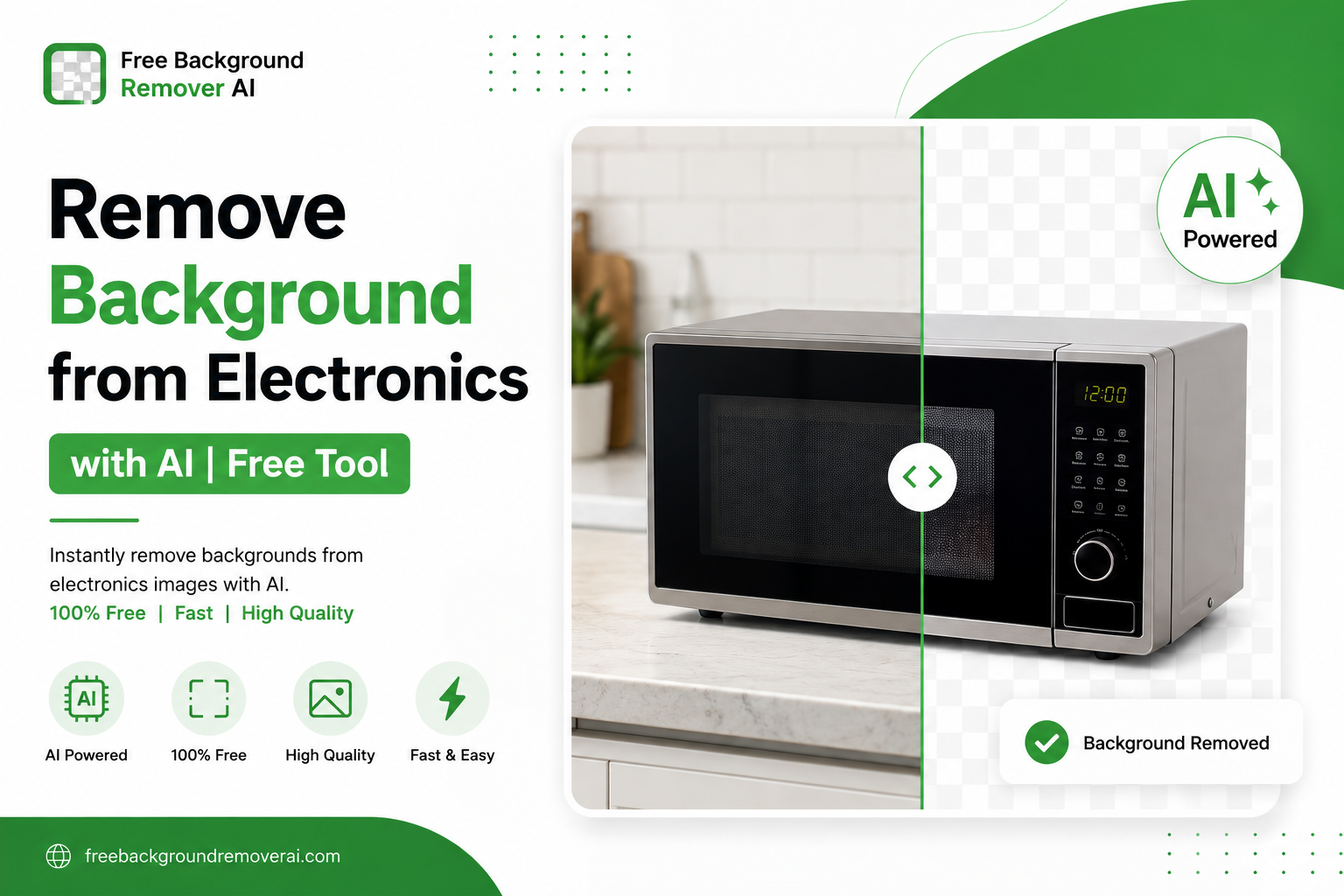
Electronics stores
Beauty businesses
Local retailers
Remove.bg Alternative for Social Media Creators
Creators regularly need isolated subjects for:
Instagram posts
YouTube thumbnails
TikTok graphics
Facebook advertisements
Promotional designs
Removing the background makes it easier to place a person or product over a custom design.
You can then combine the transparent subject with a generated background, text, shadows, or other visual elements.
Remove.bg Alternative for Students
Students may need transparent images for:
Presentations
School projects
Posters
Assignments
Research presentations
An online background remover is often easier than learning complex desktop software for a single assignment.
Remove.bg vs Free Background Remover AI: Pros and Cons
Remove.bg Pros
Well-known background removal service
Strong portrait processing
Useful developer API
Established integrations
Simple upload-and-remove workflow
Remove.bg Cons
Free output can be limited by resolution
Full-resolution usage may require payment
Fewer integrated AI editing tools
Additional editing may require other software
Free Background Remover AI Pros
Free background removal
Transparent PNG output
Full-resolution export
Browser-based workflow
Additional AI editing tools
Image upscaling
Image enhancement
AI background generation
Background blur
Watermark removal
Free Background Remover AI Cons
No public developer API currently
No dedicated Photoshop plugin
Browser-based rather than a native desktop application
Which Remove.bg Alternative Should You Choose?
The right option depends on what you're trying to accomplish.
Choose Remove.bg if:
You need its established API
You're already using its integrations
You have a professional workflow built around the service
You need its existing Photoshop or mobile ecosystem
Choose Free Background Remover AI if:
You want a free background remover
You need a transparent PNG
You want full-resolution exports
You need more than background removal
You want to upscale images
You want to enhance image quality
You want to generate new backgrounds
You want a browser-based workflow
The Verdict: Is Free Background Remover AI a Good Remove.bg Alternative?
Yes.
For people searching for a free Remove.bg alternative, Free Background Remover AI offers a practical combination of automatic background removal, transparent PNG creation, and additional AI image-editing tools.
Remove.bg remains a strong choice for users who specifically need its established API and integrations.
But if your goal is straightforward:
Upload an image → remove the background → get a transparent PNG → continue editing
Free Background Remover AI is a compelling option.
You can try the dedicated PNG background removal tool here:
https://freebackgroundremoverai.com/remove-background/png
Frequently Asked Questions
Is there a free alternative to Remove.bg?
Yes. Free Background Remover AI is one option for users who want to remove image backgrounds online and create transparent PNG files.
What is the best free Remove.bg alternative?
The best choice depends on your needs. If you want free background removal combined with additional AI image tools, Free Background Remover AI is a strong option.
Can I remove a background and save it as PNG?
Yes. A background removal tool can create a transparent PNG by removing the original background while preserving the foreground subject.
Can I remove a background without Photoshop?
Yes. Online AI background removers allow you to remove backgrounds directly from a web browser without installing Photoshop.
What is the best background remover for product photos?
Both Remove.bg and Free Background Remover AI can handle standard product images. Your choice should depend on the required output resolution, editing workflow, and additional features.
Can I remove a background from a logo?
Yes. AI background removal can be useful for logos when you need to isolate the logo from a white, colored, or photographic background.
Can I remove a background from a portrait?
Yes. Portraits are one of the most common background-removal use cases. Always check fine details such as hair and clothing edges after processing.
How do I make a PNG background transparent?
Upload the image to an AI background removal tool, allow it to detect the subject, remove the background, and export the result as a transparent PNG.
Can I upscale an image after removing the background?
Yes. After removing the background, you can use an image upscaling tool to increase the resolution of the resulting image.
Can I replace the removed background with an AI-generated background?
Yes. Free Background Remover AI includes an AI Background Generator that can create a new scene after the original background has been removed.
Is Free Background Remover AI available on mobile?
The tools work through a web browser, so you can use them on supported desktop and mobile browsers without installing dedicated editing software.
Is Remove.bg better than Free Background Remover AI?
There isn't one answer for every user. Remove.bg can be preferable for established API and integration workflows, while Free Background Remover AI is particularly useful for users who want free full-resolution background removal plus additional AI image tools.
Final Thoughts
A good background remover should do more than simply delete pixels around a subject.
For modern e commerce, marketing, social media, and design workflows, you may need to remove the background, create a transparent PNG, improve image quality, upscale the result, and create a new background.
That's where an integrated AI image editing workflow can be useful.
If you're searching for a Remove.bg alternative, try Free Background Remover AI and see how it handles your own images.
Remove Background & Create a Transparent PNG:
https://freebackgroundremoverai.com/remove-background/png
Explore Free Background Remover AI:
https://freebackgroundremoverai.com/
Share this guide with your team